
How to
How to preview wallpaper on your own wall
Quick answer
Open Design Your Own, take or upload a photo of your wall, drag the four corners to the wall edges, then choose a design or upload your own – we render it in perspective on your photo so you can judge scale and colour.
Step by step
- Open Design Your Own Go to the Design Your Own page.
- Photograph your wall Stand square to the wall in good light.
- Set the corners Drag four handles to the wall corners.
- Pick a design Try designs, colours and scale.
- Order Order samples or made-to-measure panels.
Designs to try
Geometric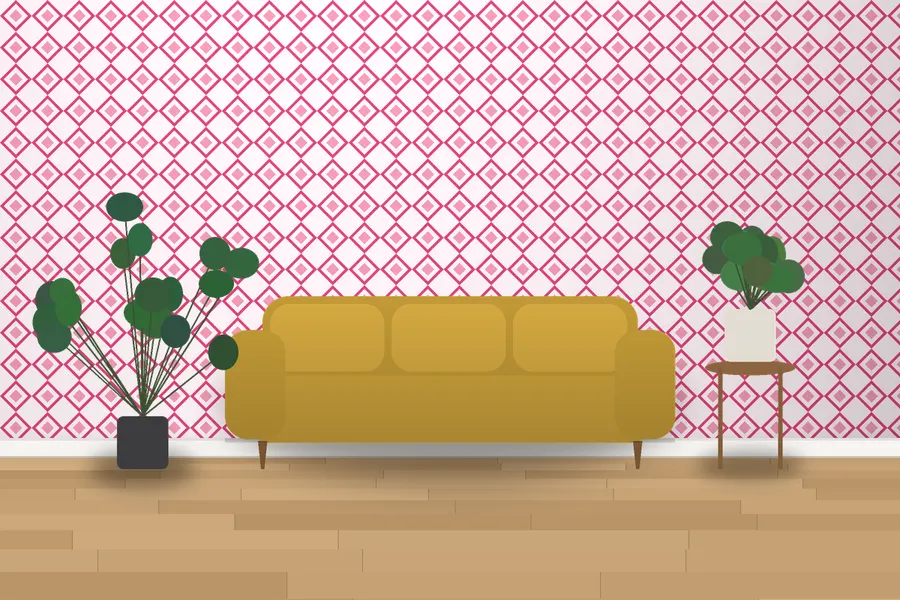
Stafford Diamond Wallpaper
3 colourways · 53 cm repeat
From £44.20 per roll
Chinoiserie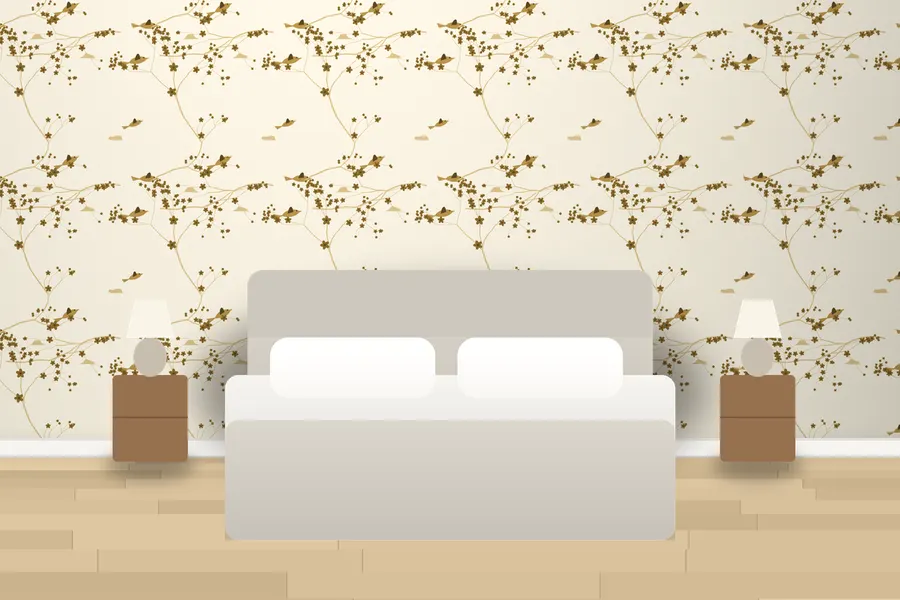
Kerrigan Garden Birds Wallpaper
3 colourways · 64 cm repeat
From £44.20 per roll
Botanical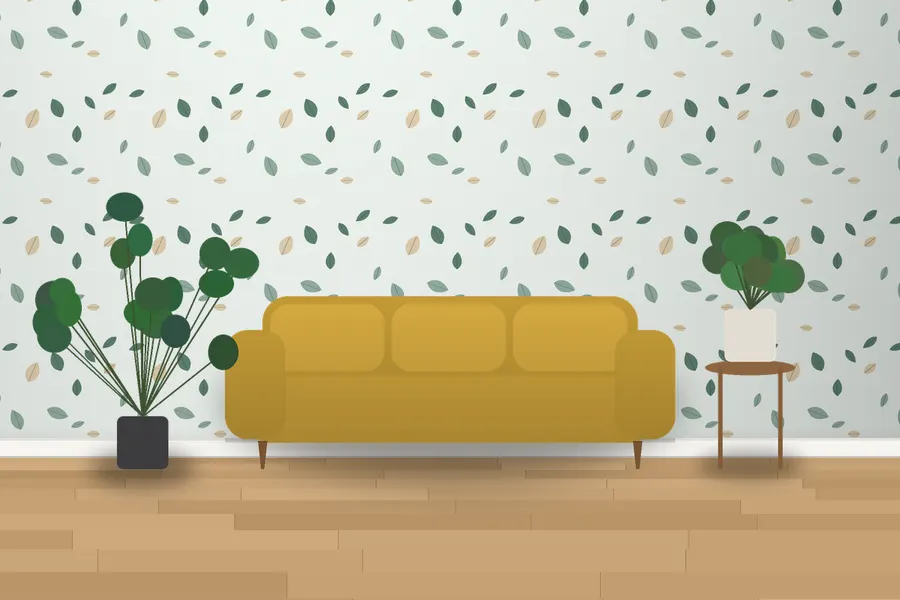
Rossiter Scattered Leaf Wallpaper
3 colourways · 53 cm repeat
From £44.20 per roll
Trellis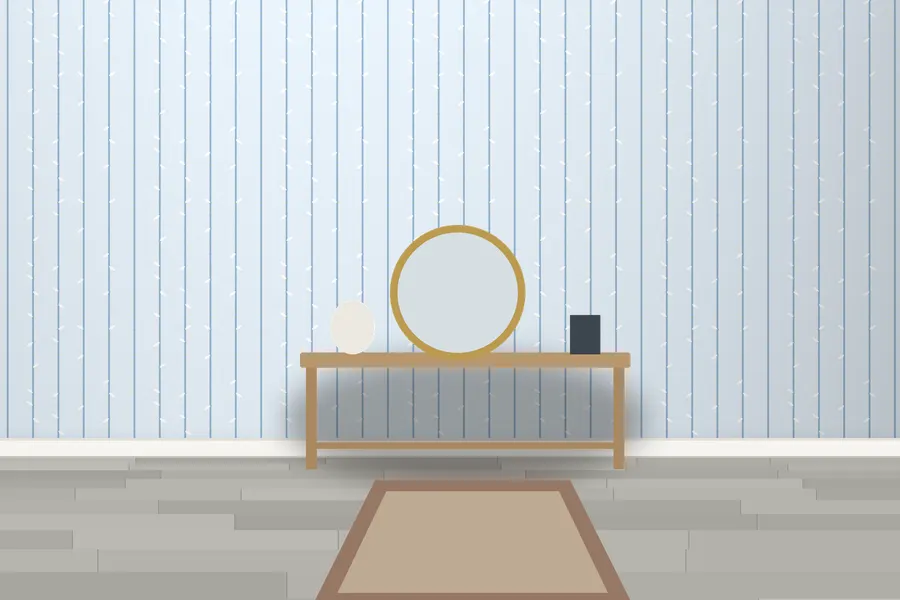
Edmund Bamboo Trellis Wallpaper
3 colourways · 53 cm repeat
From £44.20 per roll
Tropical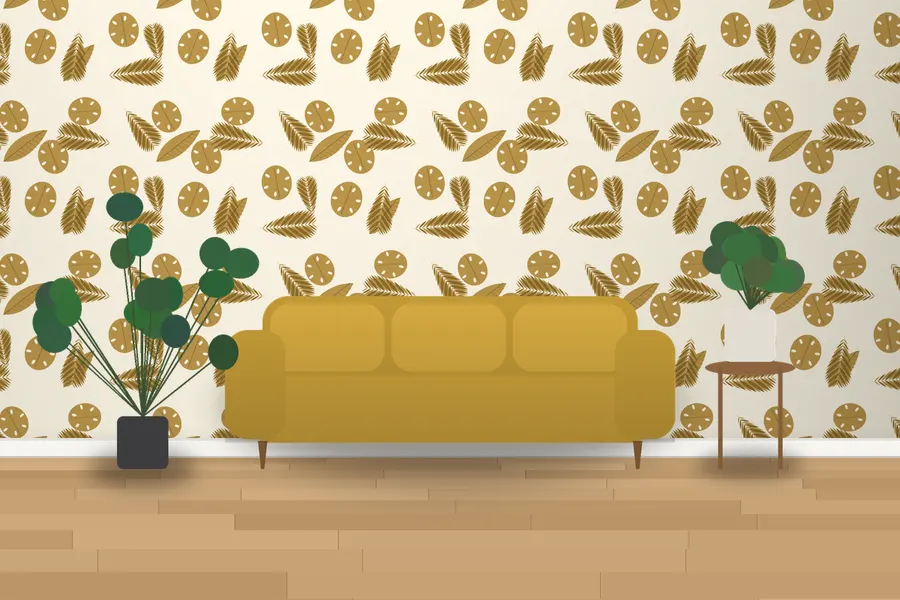
Cambrey Rainforest Wallpaper
3 colourways · 64 cm repeat
From £44.20 per roll
Designer · Chinoiserie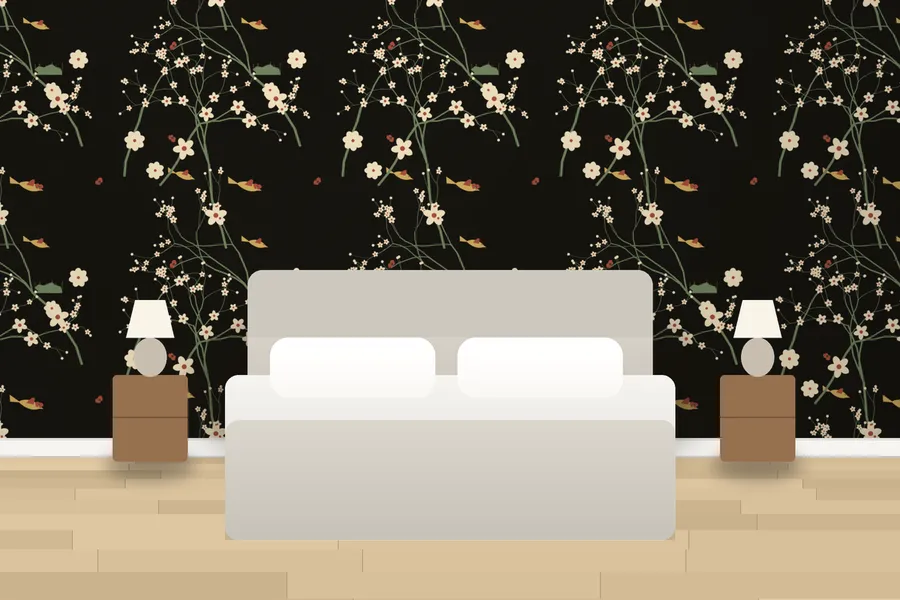
Trerice Willow Court Wallpaper
4 colourways · 91 cm repeat
From £189.80 per roll
Botanical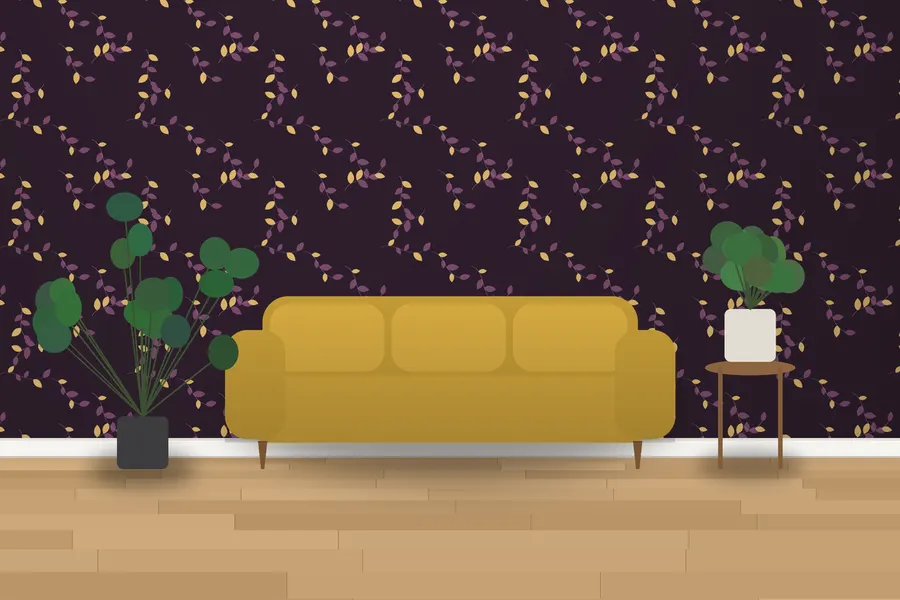
Magnolia Leaf Sprig Wallpaper
3 colourways · 53 cm repeat
From £44.20 per roll
Mid-Century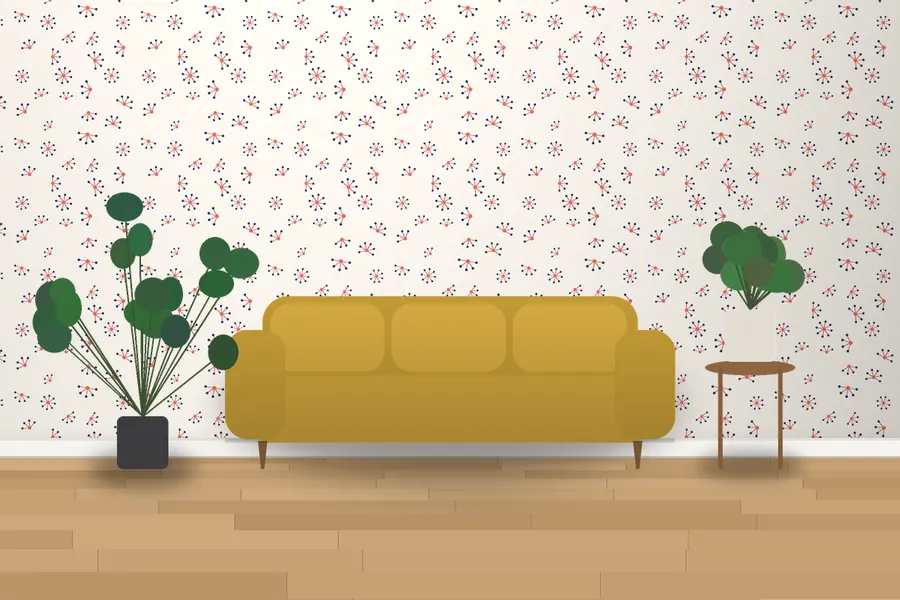
Hammond Atomic Star Wallpaper
3 colourways · 53 cm repeat
From £44.20 per roll
Questions & answers
Is the preview accurate?
It is a guide to scale and overall effect; colour depends on your screen, so confirm with a sample.
More guides
How to hang wallpaper: a step-by-step guide for beginnersHow to measure a room for wallpaperHow to remove wallpaper (including old stubborn paper)How to wallpaper around windows and doorsHow to wallpaper around plug sockets and light switchesHow to wallpaper internal and external cornersHow to wallpaper a ceilingHow to wallpaper a stairwell or hallwayAll guides